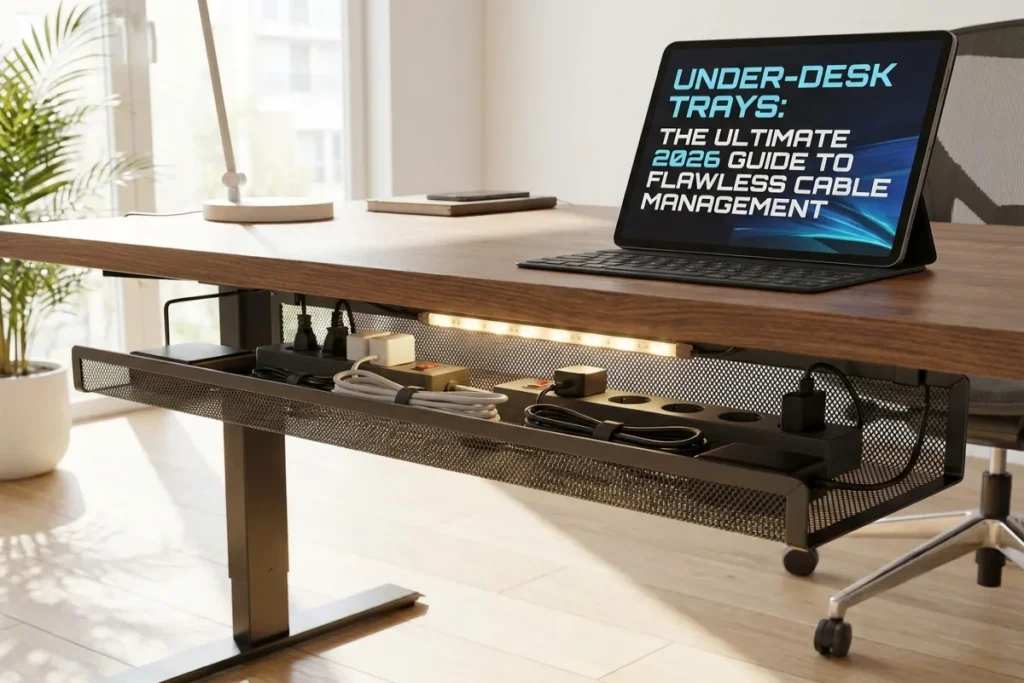
Nothing ruins a pristine, high-performance home office faster than a chaotic nest of tangled cables. You buy an expensive standing desk, invest in an ultra-wide monitor, and carefully select ergonomic peripherals—only to look down and see a hazardous tangle of power bricks, surge protectors, and trailing cords dangling beneath your workstation.
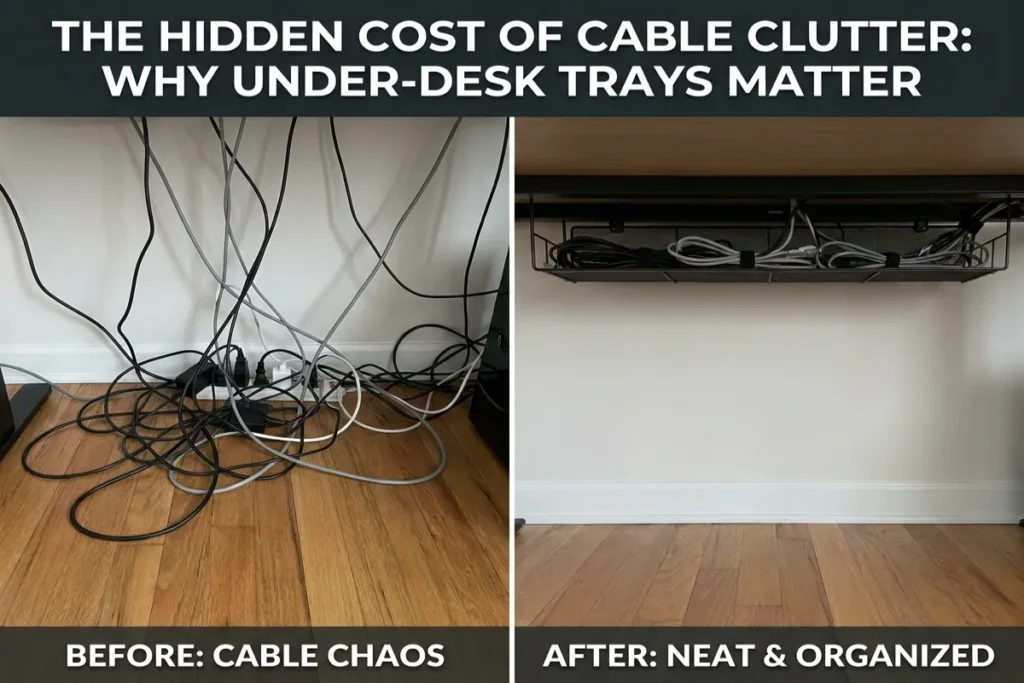
This visual noise isn’t just an eyesore; it invites dust, creates trip hazards, risks damaging expensive hardware during standing desk height adjustments, and constantly drains your mental focus.
In 2026, the secret weapon behind every ultra-clean, high-focus workspace is a high-capacity cable management solution: Under-Desk Trays.
By lifting power strips, power adapters, and slack cabling off the floor and stowing them securely beneath your desktop deck, installing Under-Desk Trays allows you to achieve a wire-free aesthetic that restores peace of mind and improves workspace ergonomics. This comprehensive guide covers everything from material selection and weight capacities to mounting styles, standing desk integration, and step-by-step installation.
Under-desk cable tray fixes messy office cords: The Ultimate 2026 Guide
Table of Contents
The Hidden Cost of Cable Clutter: Why Under-Desk Trays Matter
Visual clutter has a direct, measurable impact on human cognitive function. Environmental psychology research shows that scattered objects in your visual field compete for your brain’s attentional resources, elevating stress hormones like cortisol and accelerating mental fatigue.
+-------------------------------------------------------------------------+
|                CABLE CLUTTER VS. CONCEALED MANAGEMENT                   |
|                                                                         |
|   DANGLING CABLE CHAOS:                                                 |
|   - Tangled power bricks resting on dusty floors                        |
|   - Tension strain on monitor ports during standing desk movement       |
|   - Increased risk of accidentally kicking plugs loose                  |
|   - Constant visual noise that drains focus and energy                  |
|                                                                         |
|   UNDER-DESK TRAY CONCEALMENT:                                          |
|   - Power strips, adapters, and excess wire slack lifted off the floor   |
|   - Single umbilical power cord running cleanly down to wall outlet    |
|   - Full range of motion for height-adjustable standing desks           |
|   - Clean, uncluttered visual space that promotes deep focus            |
+-------------------------------------------------------------------------+
Preventing Hardware Damage on Standing Desks
If you use a motor-driven height-adjustable standing desk, unmanaged cables pose a physical threat to your equipment. When transitioning from sitting to standing height, short or tangled cords can catch on drawer handles or desk legs, snapping monitor ports or pulling expensive laptops off the desk surface.
Under-Desk Trays solve this issue by creating a central power hub attached directly to the underside of the moving desktop. All your power bricks plug in locally beneath the desk surface, requiring only a single main power cable to run down to the wall outlet.
Types of Under-Desk Trays: Finding the Right Design
Not all cable management trays are created equal. Depending on your desk material, rental status, and the amount of gear you own, different tray designs offer distinct advantages.
+-------------------------------------------------------------------------+
|                  CORE TYPES OF UNDER-DESK TRAYS                         |
|                                                                         |
|   [1. STEEL WIRE MESH]       [2. SHEET METAL & ALUMINUM]                |
|   - Maximum heat ventilation - Total visual concealment                 |
|   - Easy velcro tie threading - Modern, clean architectural look        |
|                                                                         |
|   [3. CLAMP-ON NO-DRILL]     [4. FABRIC & FELT MESH]                    |
|   - Zero desk modification   - Flexible capacity                        |
|   - Perfect for renters/glass - Soft finish prevents gear scratches    |
+-------------------------------------------------------------------------+
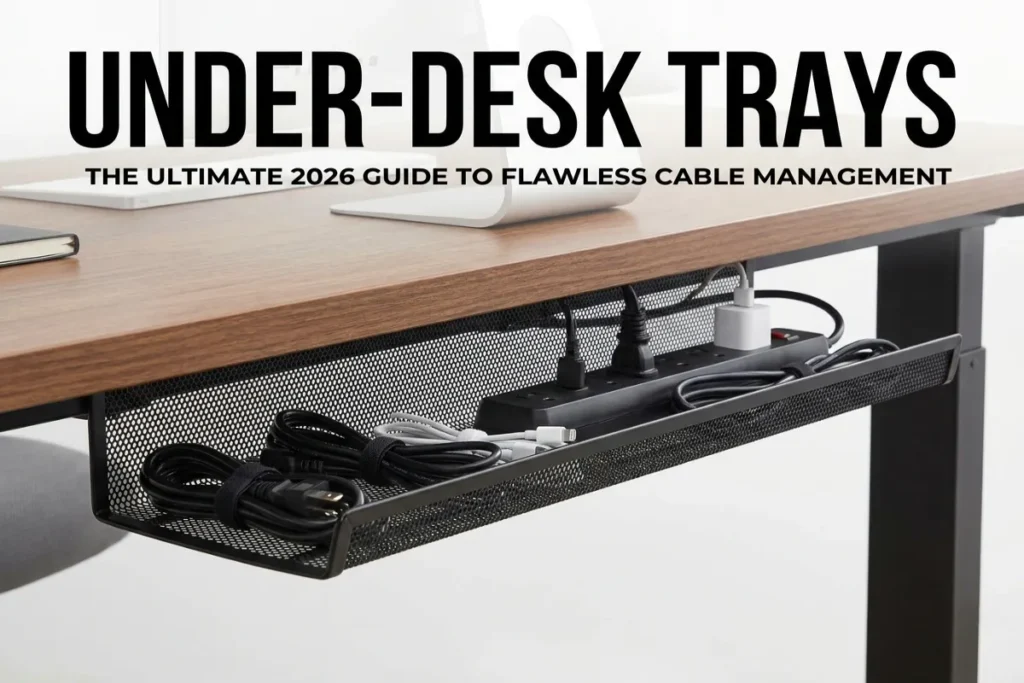
1. Powder-Coated Steel Wire Mesh Baskets
Steel wire mesh trays remain the industry standard for power-heavy setups. Their open grid design provides maximum airflow to prevent heavy laptop chargers and power bricks from overheating. The open slots also make it easy to thread cable ties, velcro straps, and zip wraps at any point along the tray.
2. Enclosed Sheet Metal and Aluminum Channels
If total visual concealment is your priority, solid metal channels hide your surge protector and power cords entirely from view. These trays feature clean side slots for cable exit points and present a sleek, architectural appearance when viewed from the side of the desk.
3. Clamp-On No-Drill Cable Trays
For renters, glass desks, or solid hardwood desktops where drilling pilot holes is undesirable, clamp-on trays are the ideal solution. These units secure tightly to the back edge of your desk using padded C-clamps, offering high weight capacity without causing any damage to the wood surface.
4. Flexible Felt and Fabric Cable Webbing
Fabric mesh trays use high-density felt or elasticized woven mesh suspended by under-desk hooks. They are lightweight, flexible enough to hold bulky, odd-shaped power adapters, and soft to the touch—preventing accidental knee bumps from causing bruises.
Cable Tray Selection Matrix
Compare key specifications across different mounting styles to choose the best option for your workspace setup:
| Tray Style | Mounting Method | Weight Capacity | Heat Ventilation | Best For |
| Steel Wire Mesh Basket | Screw-in Under-Mount | High (20–35 lbs) | Excellent (100% open airflow) | Multi-monitor setups, heavy power bricks |
| Solid Metal Raceway | Screw-in Under-Mount | High (25–40 lbs) | Moderate (Side ventilation slots) | Minimalist offices, total wire concealment |
| No-Drill C-Clamp Tray | Padded Edge Clamp | Moderate (15–25 lbs) | High (Open basket structure) | Glass tops, rented spaces, zero-damage installs |
| Fabric Mesh Webbing | Screw-in Hooks / Anchors | Light-Medium (10–15 lbs) | Moderate (Breathable textile) | Standing desks with limited under-deck depth |
Interactive Cable Management Capacity Planner
Calculate your workspace power footprint and discover the exact tray size and mounting style required for your desk using our interactive calculator below.
Step-by-Step Installation & Cable Routing Masterclass
Follow this systematic guide to transform a cluttered wire nest into a clean, organized under-desk setup:
+-------------------------------------------------------------------------+
|                  CLEAN CABLE ROUTING ARCHITECTURE                       |
|                                                                         |
|   DESK DECK SURFACES:                                                   |
|   - Monitors, Laptop Dock, Desk Lamp, Speakers                          |
|         │               │               │               │               |
|         ▼               ▼               ▼               ▼               |
|   ===================== [ UNDER-DESK TRAY ] =====================       |
|   │ - Heavy Power Strip Mounted Inside                          │       |
|   │ - Power Adapters & Excess Cable Slack Bundled & Strapped    │       |
|   ================-----------------------------------------------       |
|                                 │                                       |
|                                 ▼ (Single Umbilical Cable)              |
|                    [ WALL POWER OUTLET ]                                |
+-------------------------------------------------------------------------+
1. Clear and Prepare Your Workspace
Unplug every electronic device from the wall and your computer. Clear your desk surface completely, turn your desk upside down on a soft blanket (or lie beneath it), and inspect the structural underside for crossbars, motor frames, and cable pass-throughs.
2. Mount the Heavy-Duty Power Strip Inside the Tray
Secure a multi-outlet surge protector directly inside or alongside your cable tray using heavy-duty velcro mounting tape or zip ties. Mounting the power strip inside the tray ensures all device adapters plug in locally, keeping power connections neatly contained beneath the desk deck.
3. Position and Secure the Tray
Mount your cable tray toward the rear edge of the desktop, leaving at least 2 to 3 inches of clearance from the back edge for monitor arm mounts. If using a screw-in model, pre-drill shallow pilot holes to prevent splitting solid wood or cracking MDF laminate.
4. Group, Bundle, and Bundle Again
Route your cables down monitor arms and desk legs using adhesive cable clips. Once cords reach the tray, bundle excess length into neat loops using reusable velcro cable ties. Avoid over-tightening plastic zip ties, which can pinch delicate display and fiber-optic lines.
5. Create the Single Umbilical Down-Run
Gather the main power cord from your surge protector and your ethernet line into a flexible spiral cable sleeve. Route this single “umbilical cord” down the back of one desk leg to the wall outlet, leaving enough slack for standing desks to move freely through their full height range.
5 Actionable Tips for Maintaining a Wire-Free Desk
Maintaining a clean setup requires adopting smart cable management habits:
- Use Short 1-Foot Extension Cables: Heavy transformer power bricks often block adjacent outlets on surge protectors. Use short 1-foot extension cords inside your under-desk tray so every outlet remains usable.
- Label Both Ends of Every Cable: Apply printed cable labels near both the plug end and device end inside your tray. This makes troubleshooting or swapping out devices quick and effortless.
- Color-Code Cable Sleeves to Your Wall Color: Choose cable sleeves that match your wall color—white sleeves against white walls, black sleeves against dark backgrounds—to help the main power drop blend into the room seamlessly.
- Incorporate Sub-Surface Wireless Chargers: Install under-desk wireless chargers directly to the underside of your desktop to power smartphones and mice without cluttering your desk deck with charging cables.
- Audit Your Wires Twice a Year: Whenever you upgrade monitors, docks, or peripherals, take ten minutes to remove unused cords, re-bundle slack, and wipe dust from inside your tray.

Elevate Your Workspace with The Tek World
Integrating Under-Desk Trays into your office layout is a simple, highly effective way to eliminate wire chaos, protect expensive hardware, and cultivate a serene, productive environment. By organizing your cables beneath the desk deck, you free up visual and physical space for deep, focused work.
Looking for comprehensive reviews on heavy-duty cable management trays, standing desk wire raceways, power strips, and ergonomic desk accessories updated for 2026? Visit thetekworld.com for expert buying advice, hardware tutorials, and home office optimization guides!
Frequently Asked Questions (FAQ)
1. How do I install an under-desk cable tray on a glass or stone desk?
Use a heavy-duty clamp-on no-drill cable tray. These units use padded C-clamps that slide over the edge of glass or stone desktops, tightening securely without scratching surfaces or requiring drilled holes.
2. Can heavy power bricks inside a cable tray cause overheating or fire hazards?
Power adapters naturally produce heat during operation. To ensure safety, select open steel wire mesh trays that provide 360-degree airflow, avoid stacking power bricks directly on top of one another, and never cover ventilation slots on chargers.
3. What length under-desk tray should I buy for my desk?
For standard 48-inch to 60-inch desks, select a 30-inch to 36-inch tray (or two 16-inch modular trays installed side by side). This provides ample storage space for a large surge protector and cable bundles while leaving room for standing desk frame legs and monitor mounts.
4. How much total weight can a standard screw-in under-desk tray support?
When properly installed into solid wood or reinforced MDF using appropriate screws, quality steel under-desk trays can hold 20 to 35 pounds. This is more than enough capacity to support heavy 12-outlet metal surge protectors, large laptop power bricks, and several coiled cable bundles simultaneously.

Comments