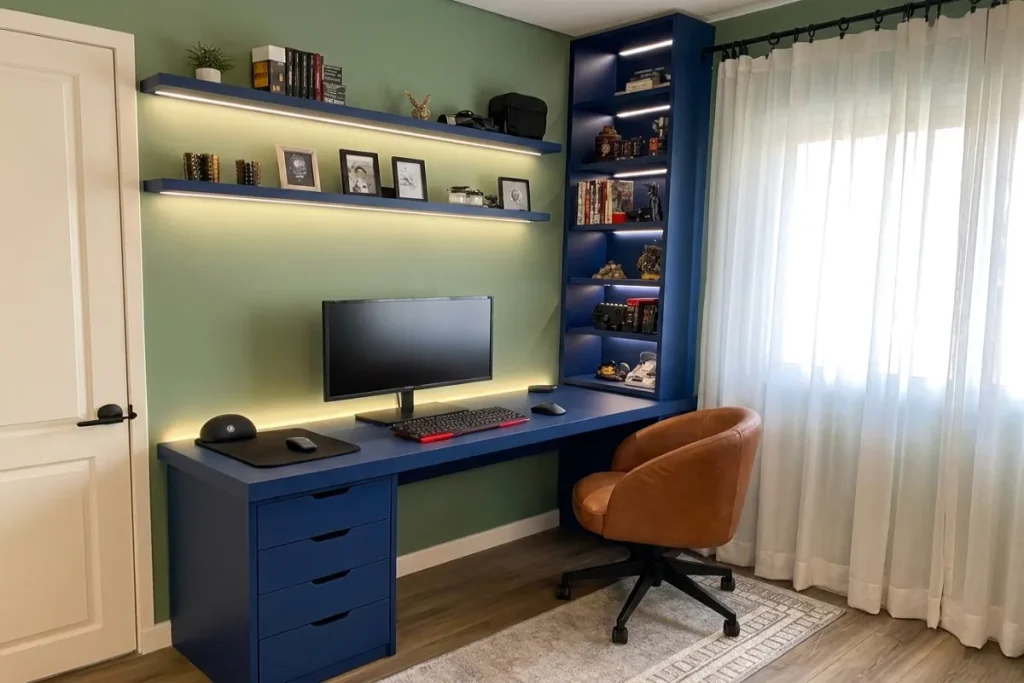
If you work from home, you already know the silent killer of productivity: visual noise. A cluttered desk doesn’t just look messy; it drains your mental energy, scatters your focus, and directly impacts your output. In 2026, as remote and hybrid work remain the global standard, professionals are shifting away from chaotic, heavily decorated offices. Instead, they are turning to the Modern Minimalist Workspace Setup.
Creating a modern minimalist workspace setup isn’t about throwing everything away and working on a bare table. It is about intentionality. It is about utilizing smart technology, flawless cable management, and ergonomic design to create a sanctuary of deep work.
In this comprehensive guide, we will walk you through exactly how to design a modern minimalist workspace setup that looks like a high-end architectural studio, feels incredibly comfortable, and forces your brain into immediate productivity the moment you sit down.
DeskBoard Buddy – Black / Wireless Charger: The Ultimate Workspace Upgrade
Table of Contents
The Core Philosophy of Minimalism at Work
Before buying a single piece of gear, it is crucial to understand the philosophy driving a successful Modern Minimalist Workspace Setup.
Form Must Follow Function
True minimalism means every item on your desk earns its keep. If an object does not serve a daily functional purpose or spark immediate joy, it belongs in a drawer or out of the room entirely. The goal is friction-free working. Your keyboard, mouse, monitor, and perhaps a single notebook should be the only visible items.
The Mental Health Connection
Studies continually show that physical clutter increases cortisol (the stress hormone) levels in the brain. A clean workspace reduces cognitive overload. When your eyes have fewer objects to process, your brain has more RAM available to focus on the task at hand.
Step 1: Choosing the Right Desk Foundation
Your desk is the canvas of your workspace. If the foundation is flawed, no amount of expensive tech will save the aesthetic.
The Shift to Warm Materials
In the past, minimalist setups were dominated by cold, high-gloss white laminate, glass, or steel. Today, the trend has shifted dramatically toward organic, warm materials. Solid walnut, oak, and bamboo desktops paired with matte black or white frames bring life into the room without adding clutter.
Investing in a Sit-Stand Frame
Ergonomics is a non-negotiable part of modern work. A dual-motor electric standing desk is the standard.
Pro Tip: When choosing a standing desk, look for models with built-in cable management trays integrated directly into the crossbar. This saves you hours of DIY routing later.
Step 2: The Art of Invisible Tech (Cable Management)
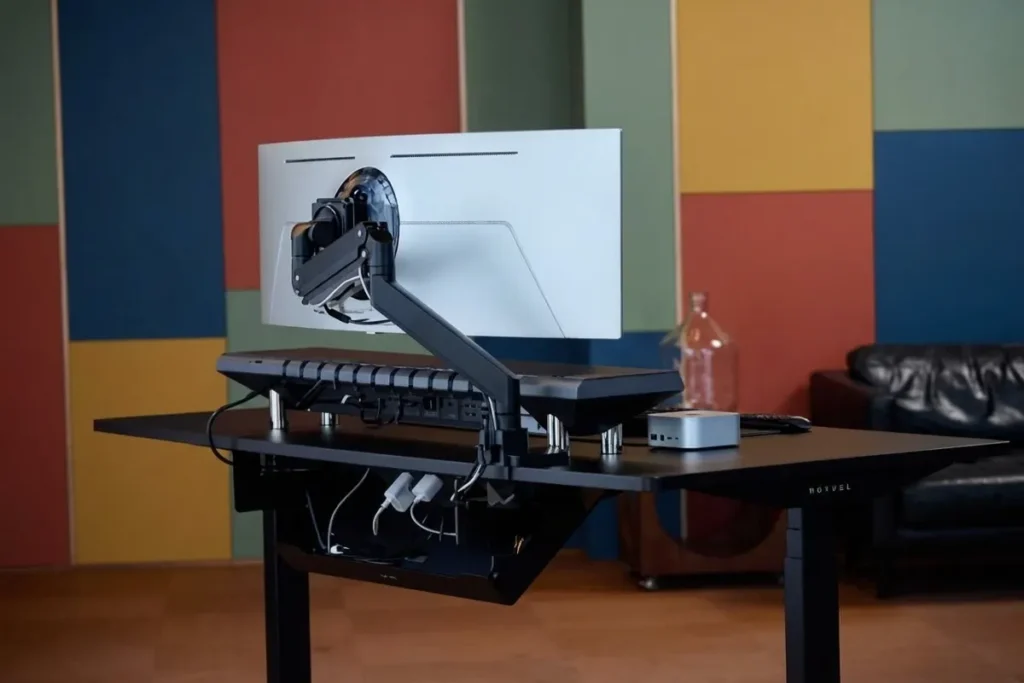
You cannot have a modern minimalist workspace setup with wires trailing across your desk. Zero-cable management is the magic trick that elevates a basic desk into a premium workspace.
Under-Desk Routing and Trays
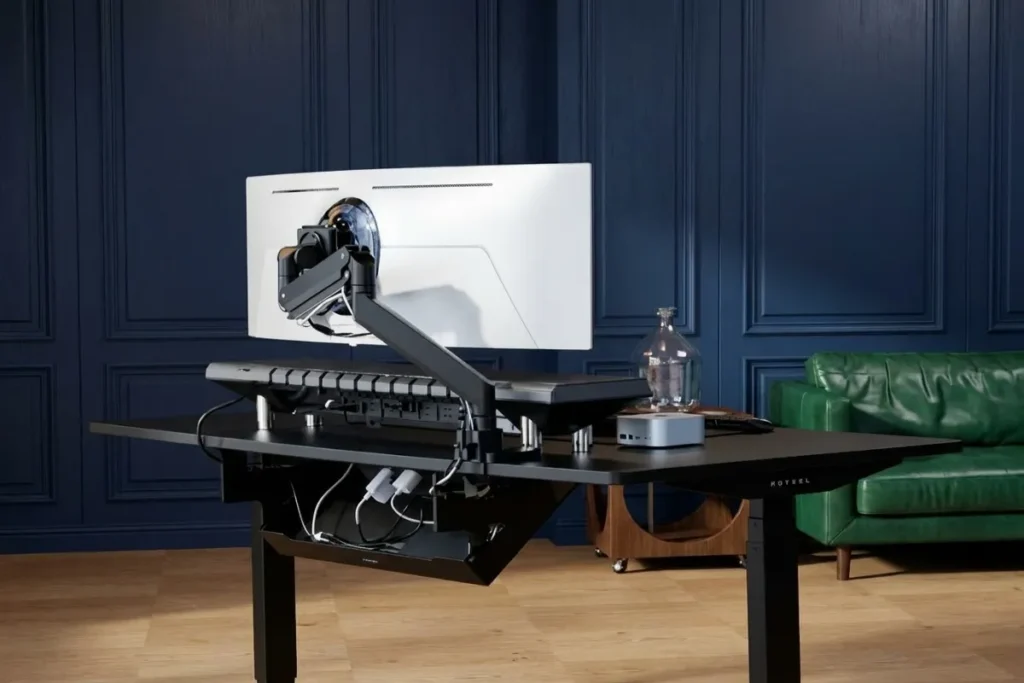
The secret to a wireless look is hiding the chaos underneath. Use a spacious metal cable tray mounted to the underside of the desk. Mount your power strip inside this tray, not on the floor.
The essential cable management toolkit:
- Adhesive Cable Clips: To route individual wires tightly against the bottom of the desktop.
- Neoprene Cable Sleeves: To bundle multiple cables running from your PC to the monitor into one sleek tube.
- Magnetic Cable Channels: For routing power cords down the legs of a standing desk.
The Single Cable Dream (Thunderbolt Docks)
If you use a laptop, you should only ever plug one cable into it. Invest in a high-quality Thunderbolt 4 or USB4 dock. Mount the dock under your desk. This single cable will charge your laptop, connect it to your monitor, link your speakers, and wire you to the ethernet—all while keeping the actual hardware completely out of sight.
Step 3: Ergonomics Meets Aesthetics
A beautiful desk that causes lower back pain is a failure. Integrating ergonomics seamlessly into your aesthetic is the hallmark of a professional setup.
The Power of Floating Monitors
Factory monitor stands are bulky, ugly, and steal valuable desk real estate. The fastest upgrade you can make is installing a heavy-duty gas-spring monitor arm.
Clamping an arm to the back edge of your desk allows your display to “float.” This not only looks incredibly futuristic, but it allows you to adjust the height, tilt, and depth of your screen with a single finger, ensuring perfect neck alignment.
The Minimalist Chair
You don’t need a massive, spaceship-looking gaming chair to be comfortable. Opt for ergonomic mesh chairs with clean, sweeping lines. Brands offering minimalist task chairs provide total lumbar support and high adjustability while blending quietly into the background of your room.
Step 4: Essential Peripherals for a Clean Desk
Your keyboard and mouse are your primary connection to your work. In a minimal setup, they must be wireless.
Wireless Mechanical Keyboards
The era of membrane keyboards is over. Modern setups utilize wireless, hot-swappable mechanical keyboards. To save space, opt for a “75% layout” or “Tenkeyless” (TKL) board. These remove the bulky number pad, bringing your mouse closer to your center line, which improves shoulder ergonomics.
Choose keycaps in muted tones—like deep slate, matte white, or forest green—to complement your wooden desk.
Precision Mice and Desk Mats
A high-end wireless productivity mouse (with customizable side buttons) eliminates the final wire from your desktop.
To anchor these peripherals, ditch the small, plastic mousepad. Instead, use an extra-large, premium felt or vegan leather desk mat. A desk mat creates a distinct “zone” for your hands, dampens the sound of your keyboard, and adds a layer of rich texture to the visual setup.
Step 5: Lighting and Ambience
Lighting is the most underrated aspect of a workspace. Overhead room lighting is often harsh, causes screen glare, and flattens the mood of the room.
The Monitor Light Bar
A screen-mounted light bar is a game-changer. It clips onto the top of your monitor and casts a highly focused, asymmetrical beam of warm light perfectly onto your desk mat, without hitting your screen (preventing glare) or shining in your eyes. It illuminates your workspace while keeping the rest of the room moody and calm.
Ambient Bias Lighting
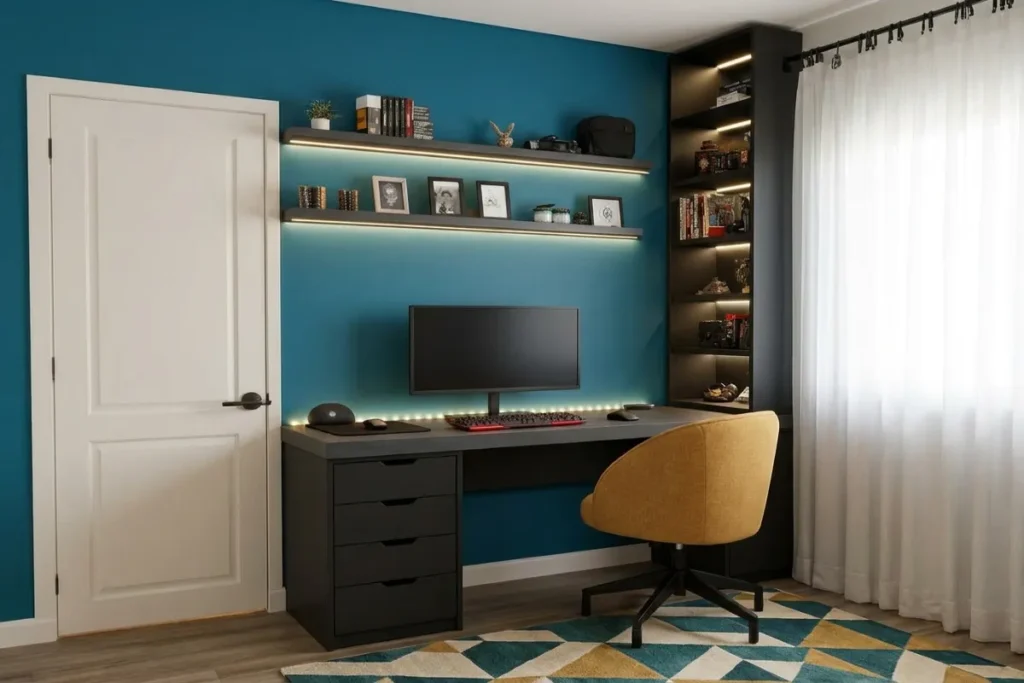
To reduce eye strain in darker rooms, install an LED light strip along the back edge of your desk or behind your monitor. This is called “bias lighting.” Set it to a warm, soft white (around 3000K). This subtle glow reduces the harsh contrast between your bright monitor and the dark wall behind it, making late-night work sessions significantly easier on your eyes.
Maintaining Your Minimalist Desk
Building the setup is only half the battle; maintaining it is a daily practice.
Implement the “Five-Minute Friday Reset.” At the end of every work week, wipe down the desktop, put away any rogue pens or coffee cups, wipe your screen, and realign your peripherals. When you walk into your office on Monday morning, you will be greeted by a pristine, inspiring environment ready for deep work.
Conclusion
Building a modern minimalist workspace setup is an investment in your career, your focus, and your physical health. By intentionally selecting warm materials, aggressively hiding your cables, utilizing floating monitor arms, and choosing wireless peripherals, you create an environment where distractions disappear.
Stop letting a chaotic desk dictate your workflow. Take a weekend, pull everything off your desk, and rebuild it using these principles. Your productivity—and your peace of mind—will thank you.
Ready to upgrade your home office? Start by tackling your cables today. Check out our recommended under-desk cable management kits and take the first step toward a distraction-free workspace.
Frequently Asked Questions (FAQ)
1. Is a minimalist desk setup actually better for productivity?
Yes. Cognitive psychology studies suggest that physical clutter competes for your visual attention, reducing your ability to focus. A minimalist desk limits visual distractions, allowing you to maintain deep work states for longer periods.
2. Can I have a minimalist setup if I have a lot of equipment?
Absolutely. Minimalism isn’t about having less gear; it’s about better integration. If you need multiple hard drives, audio interfaces, and docks, the key is under-desk mounting and clever cable routing so the gear is accessible but out of sight.
3. What is the easiest way to hide cables without drilling holes in my desk?
Use heavy-duty double-sided mounting tape (like 3M VHB) to attach power strips and cable management trays to the underside of your desk. Combine this with adhesive cable clips to route wires snugly along the desk’s frame, completely avoiding the need for a drill.
4. Are monitor light bars actually worth the money?
Yes, especially if you work early in the morning or late at night. They provide task lighting exactly where you need it (your hands and keyboard) without causing screen glare or eye strain, which traditional desk lamps often fail to do.
